
How Generation Works
When you press Send, BLNG doesn't just pipe your text into an image model. It reads your prompt, your canvas, and your references, sizes up the request, and picks an approach. Knowing the stages helps you read what's happening on screen and get to results faster.
The lifecycle of a request
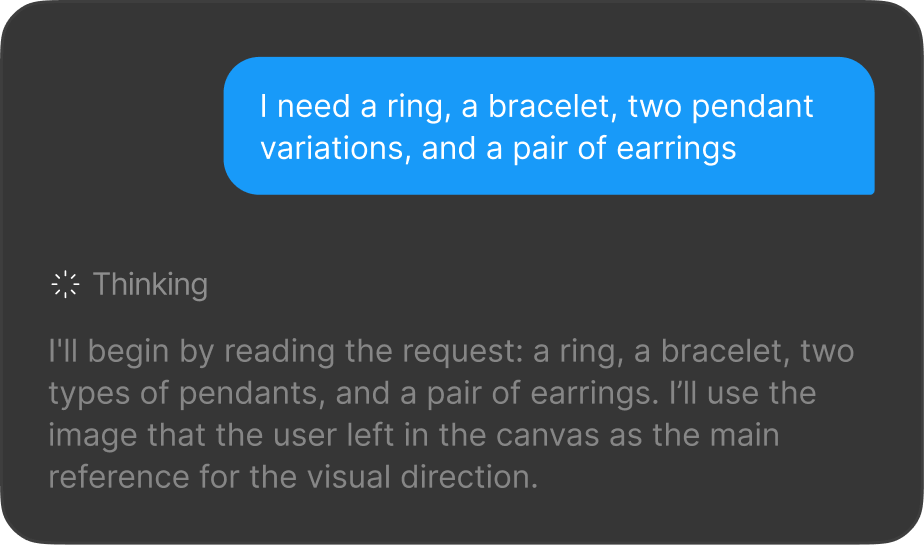
Thinking
Every request starts with BLNG interpreting what you asked: the prompt, what's on the canvas, and what each reference contributes. A live Thinking caption shows the reasoning; when it finishes it collapses into Thinking Completed, expandable any time.
Generating
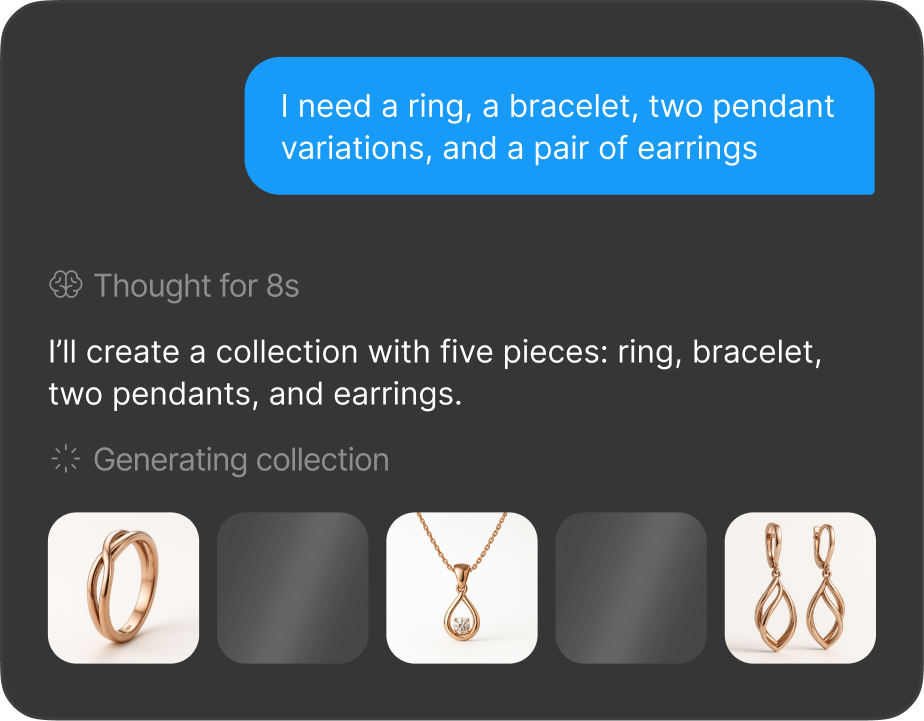
A simple request, one clear change or a straightforward brief, produces images in a single pass, typically well under a minute. A complex brief gets broken into steps that run one after another (or in parallel when possible), each showing its own status and results as it goes.
Quality check
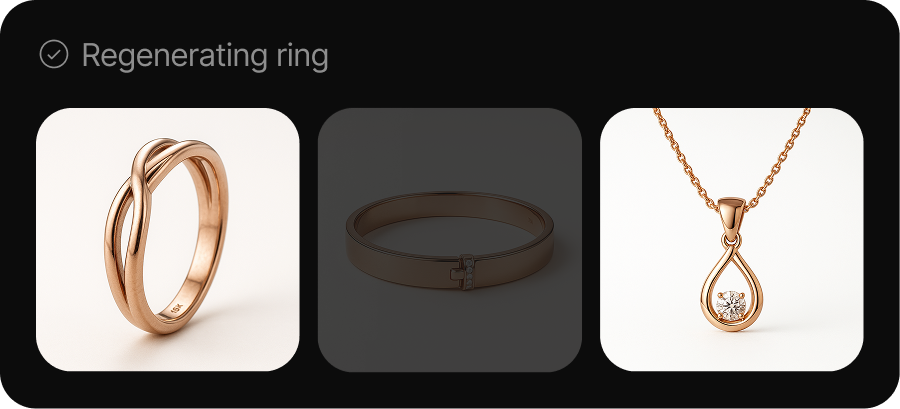
After each step, BLNG reviews the result against the step's goal. If it falls short, the step re-runs once automatically, you'll see it regenerating. That's the system being strict on your behalf, not a malfunction.
Finalizing
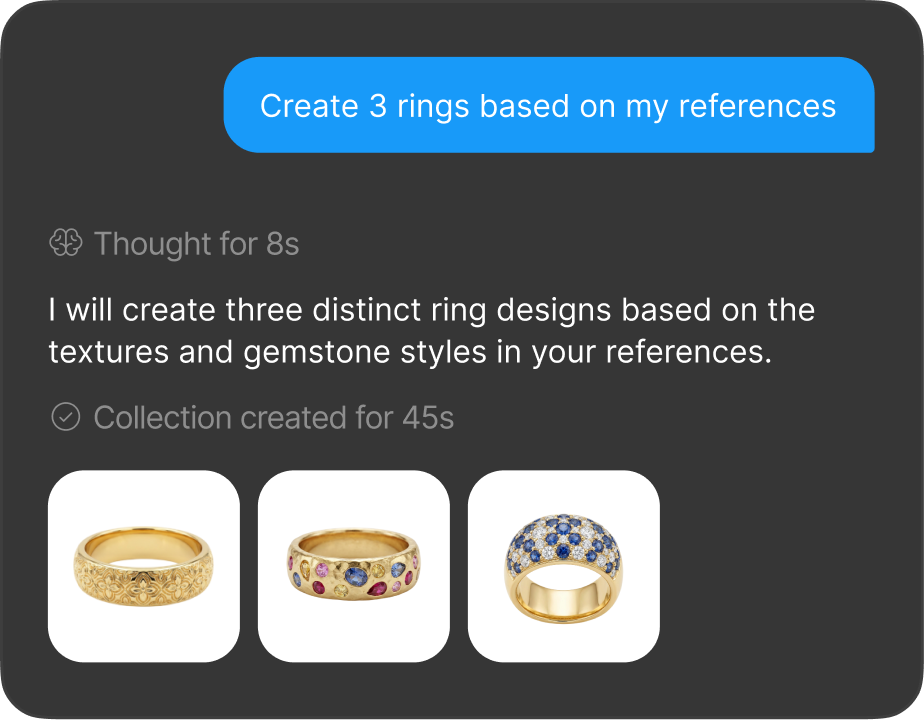
When every step is done, BLNG pulls the work together and posts the summary and images at the end of the message.
Following along in the chat
Steps are grouped so the conversation stays readable: related reasoning is collapsed under expandable captions, and the images from each step appear together. You can expand any step to see the detail behind it, or leave them collapsed and just watch the results come in.
You don't have to do anything special to trigger a multi-step generation. BLNG decides when a request is involved enough to warrant one. Choosing Thinking mode makes this behavior more likely for complex briefs.
How long things take
- Simple, single-image generations usually complete in well under a minute.
- Multi-step generations take longer: a few minutes is normal for involved briefs, on-model composites, or requests that include an upscale.
- An automatic quality re-run roughly doubles that step's time; it adds time but needs nothing from you.
- Multi-step generations have a generous time ceiling. If one is ever exceeded, BLNG closes it out and tells you; anything already produced stays in the conversation.
Getting results faster
- Split complex requests. One change per prompt completes fastest and almost never triggers a quality re-run. "Make the band thinner", then "warmer lighting" beats one long paragraph of requirements.
- Keep instructions short and positive. Long, strict prompts full of "don't change X" clauses are the most likely to be judged as missing their goal and re-run. Describe the end state you want instead.
- Use Light while exploring. Light skips the deliberation and premium settings; switch up to Thinking when you're ready to nail a complex brief. See AI Modes.
- Stop is always safe. Interrupt a running generation any time: completed results stay, unstarted steps are marked cancelled, and you can prompt again immediately.
What BLNG remembers
The conversation, canvas, and results are scoped to the design you're in; nothing carries across projects. To reuse a design elsewhere, export the image and attach it as a reference in the other project. Within a design, BLNG checks your canvas on every prompt to decide what to work from. See Edit & Regenerate.
When a request is declined
Some prompts get a text reply instead of an image: requests for harmful content, recreations of trademarked designs, or celebrity likenesses are refused with a short note. Requests for exact dimensions are also declined by design (the AI works in proportions, not millimeters), so describe relative size instead.