
Welcome to BLNG! Let's Get Started
You're all set. Bring in a sketch, reference, or idea and start exploring what you can create with BLNG.
Below are a few quick ways to get started.
Start your first project
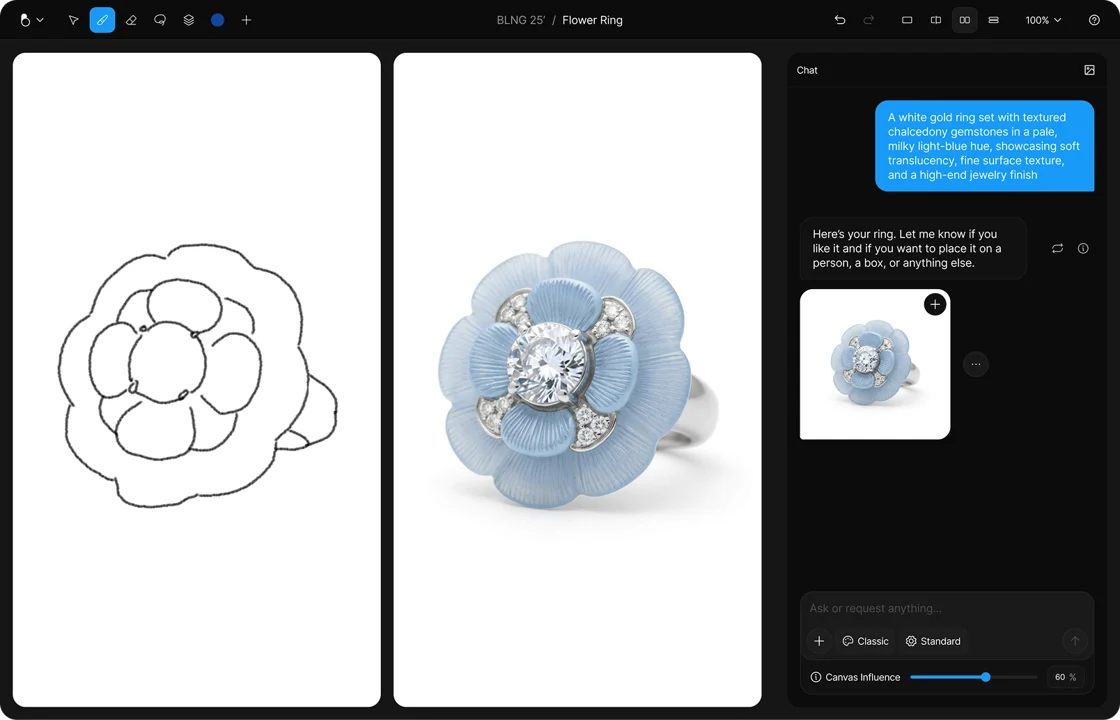
Choose your starting point
Sketch in the app, upload a reference image, or describe what you want to create. BLNG generates a realistic product visual you can then refine, iterate, and present.
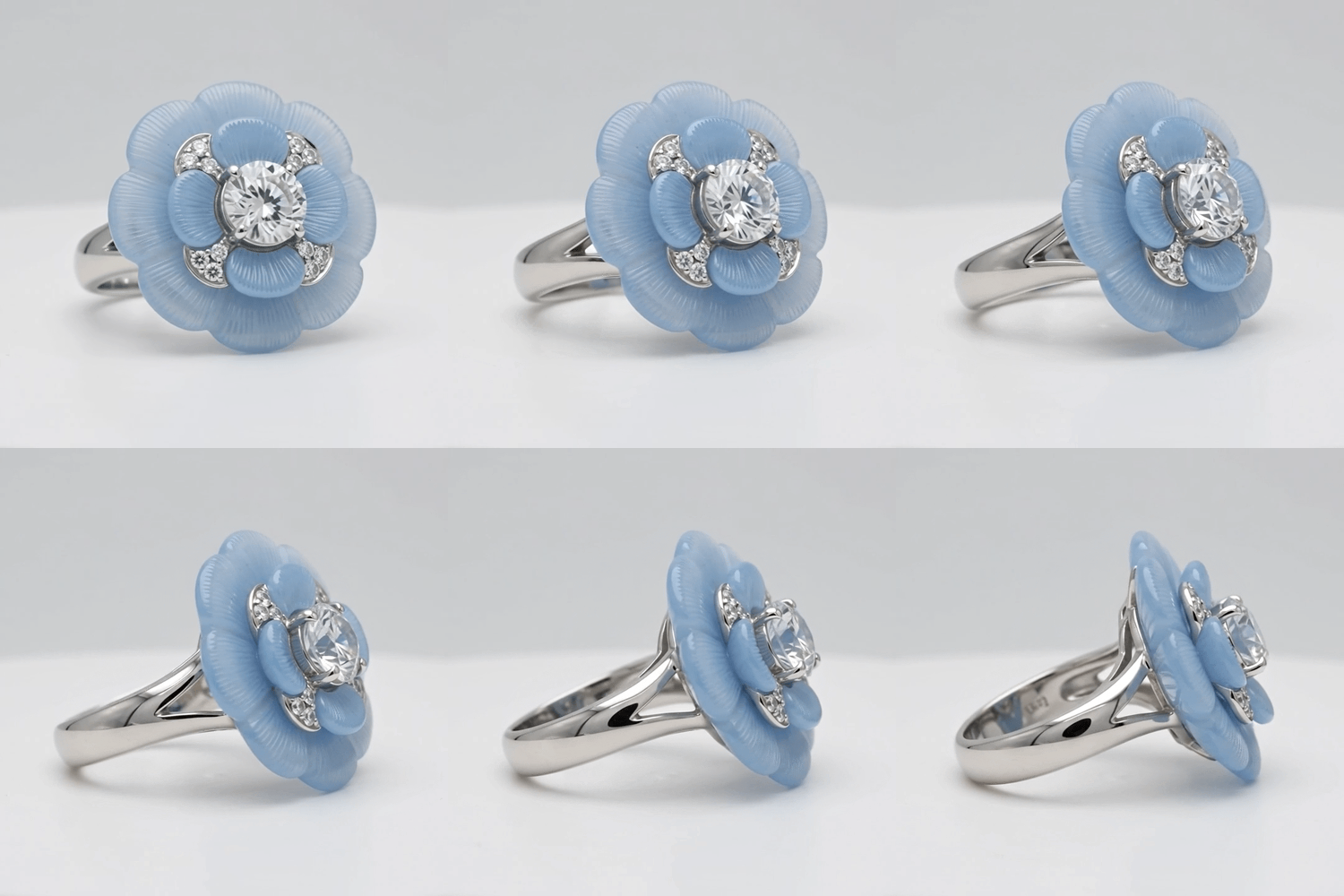
Create a turntable animation
Generate a polished rotating view of your jewelry, ready for presentations, e-commerce, or client review.
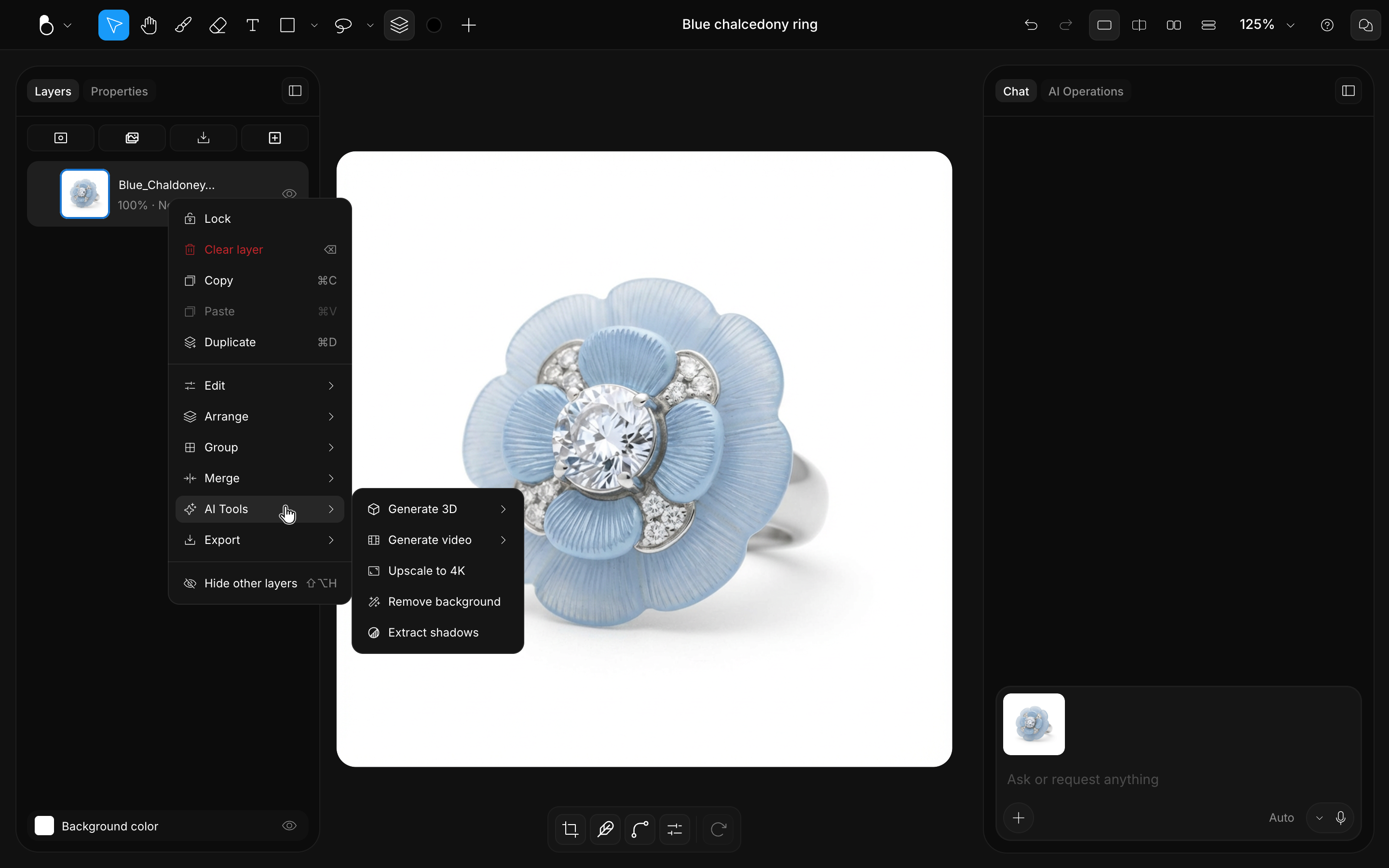
Generate 3D, Upscale to 4K and more
Turn your image into a 3D model, upscale it to 4K, and take it further with the tools in the AI Operations panel.
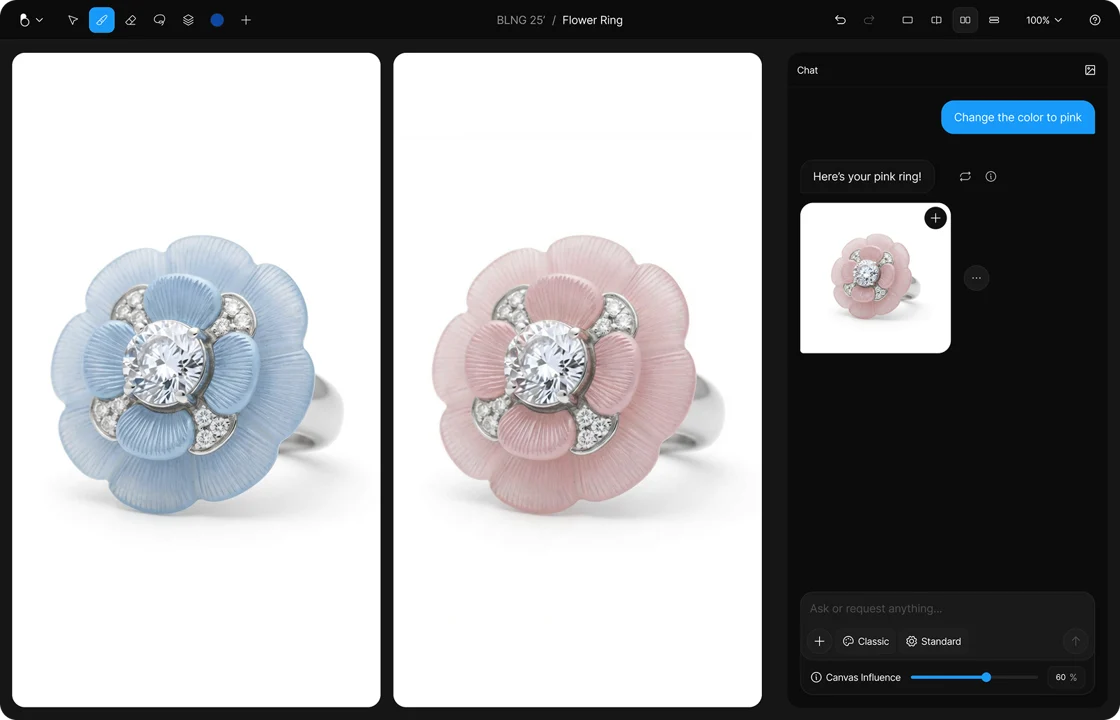
Edit color and material with precision
Change the color, metal, stone, or material while keeping the rest of the design intact. Use HEX codes for exact color matching, then fine-tune brightness, contrast, hue, saturation, levels, and more with a full suite of image adjustment tools.
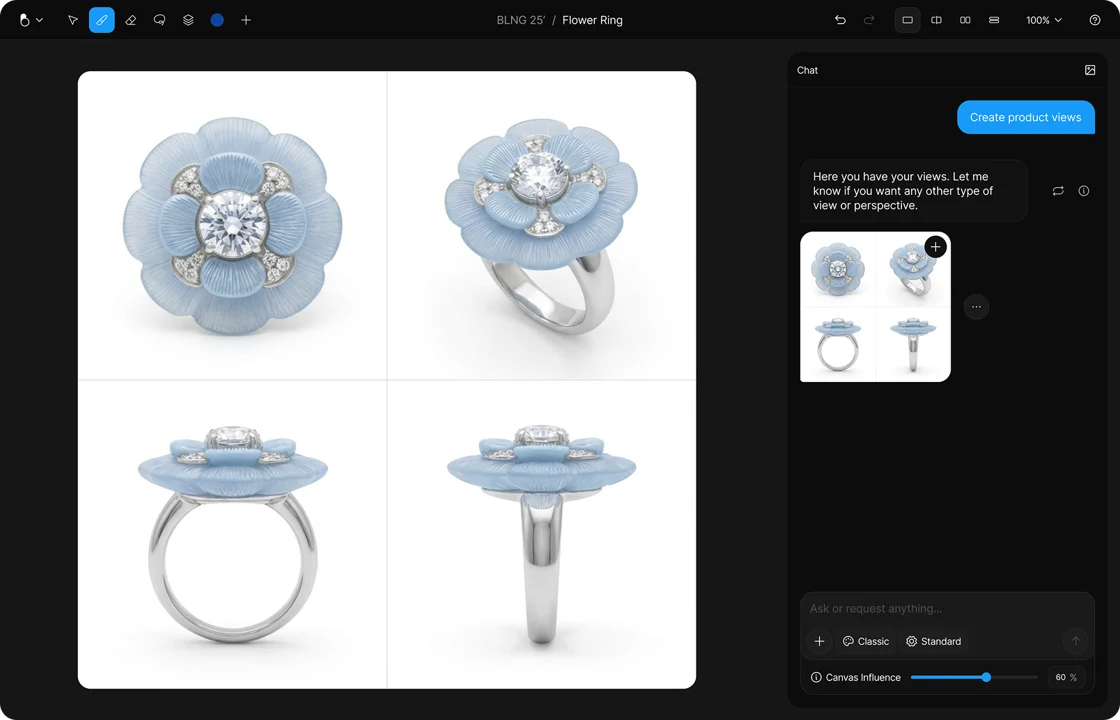
Get multiple product views
Generate clean, consistent angles of the same design for review, presentation, or production reference.
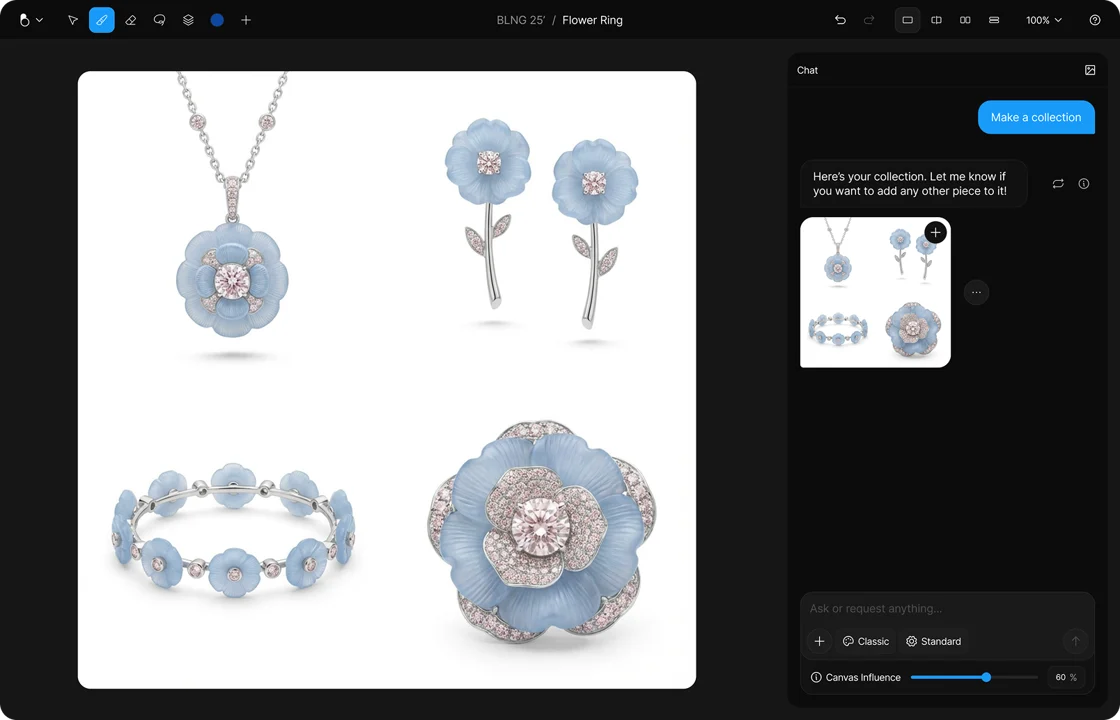
Expand a design into a collection
Use one piece as the starting point for a cohesive set of related designs. Extend one design language across rings, earrings, necklaces, bracelets, and more.
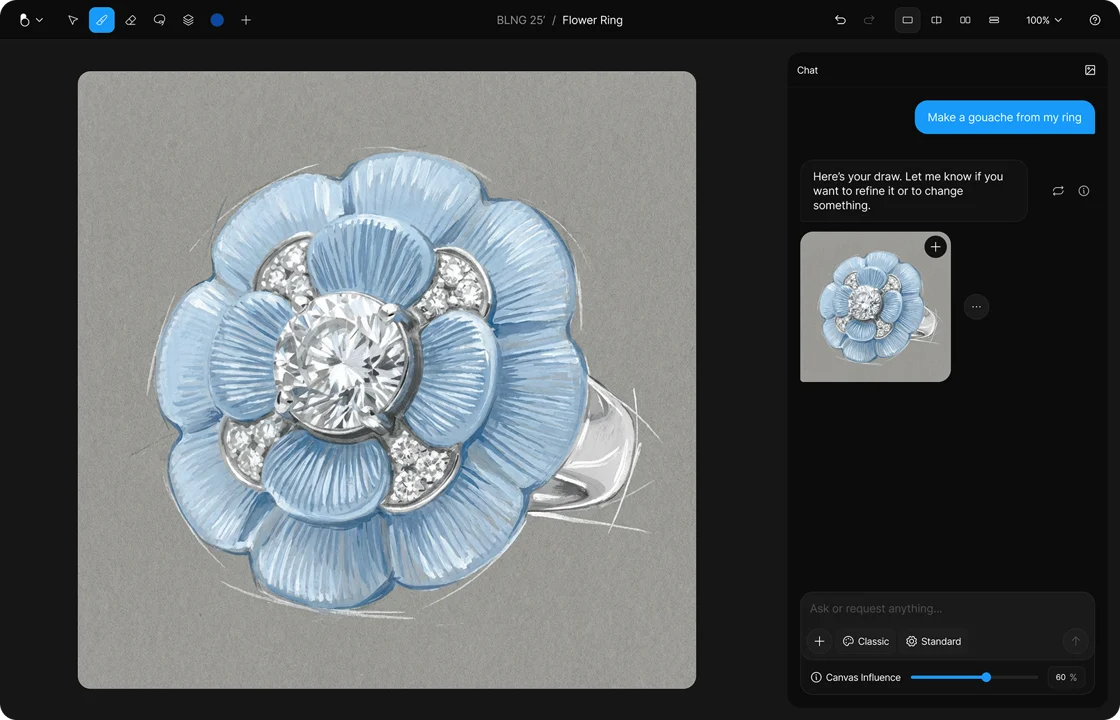
Explore illustrative styles
Reinterpret your jewelry design as gouache, sketch, painting, or illustration while keeping the original design recognizable, preserving its proportions, materials, and key details.
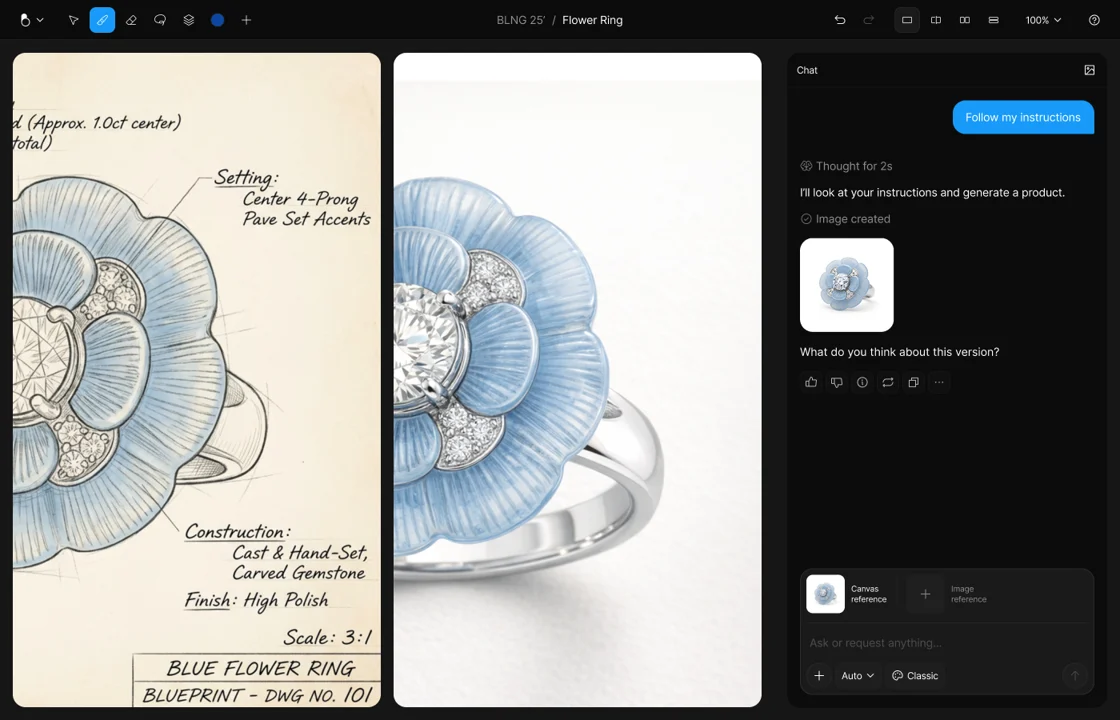
Annotate to direct the AI
Add notes, labels, circles, and sketches directly on your design. BLNG uses them as visual instructions to generate a more precise result.
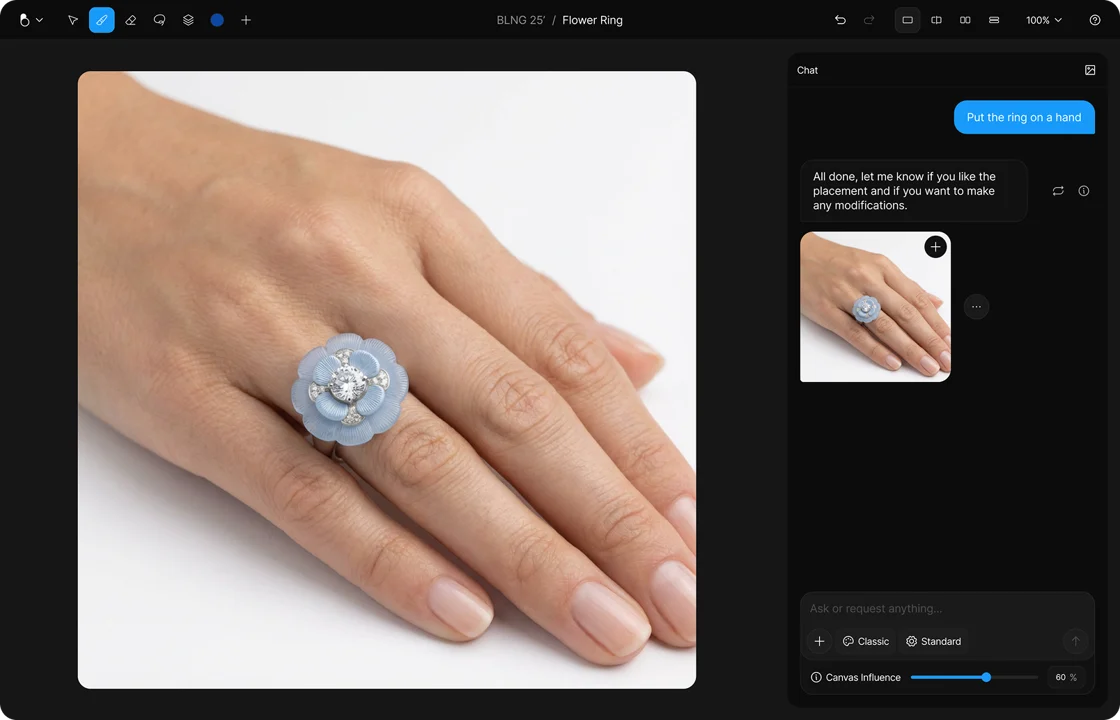
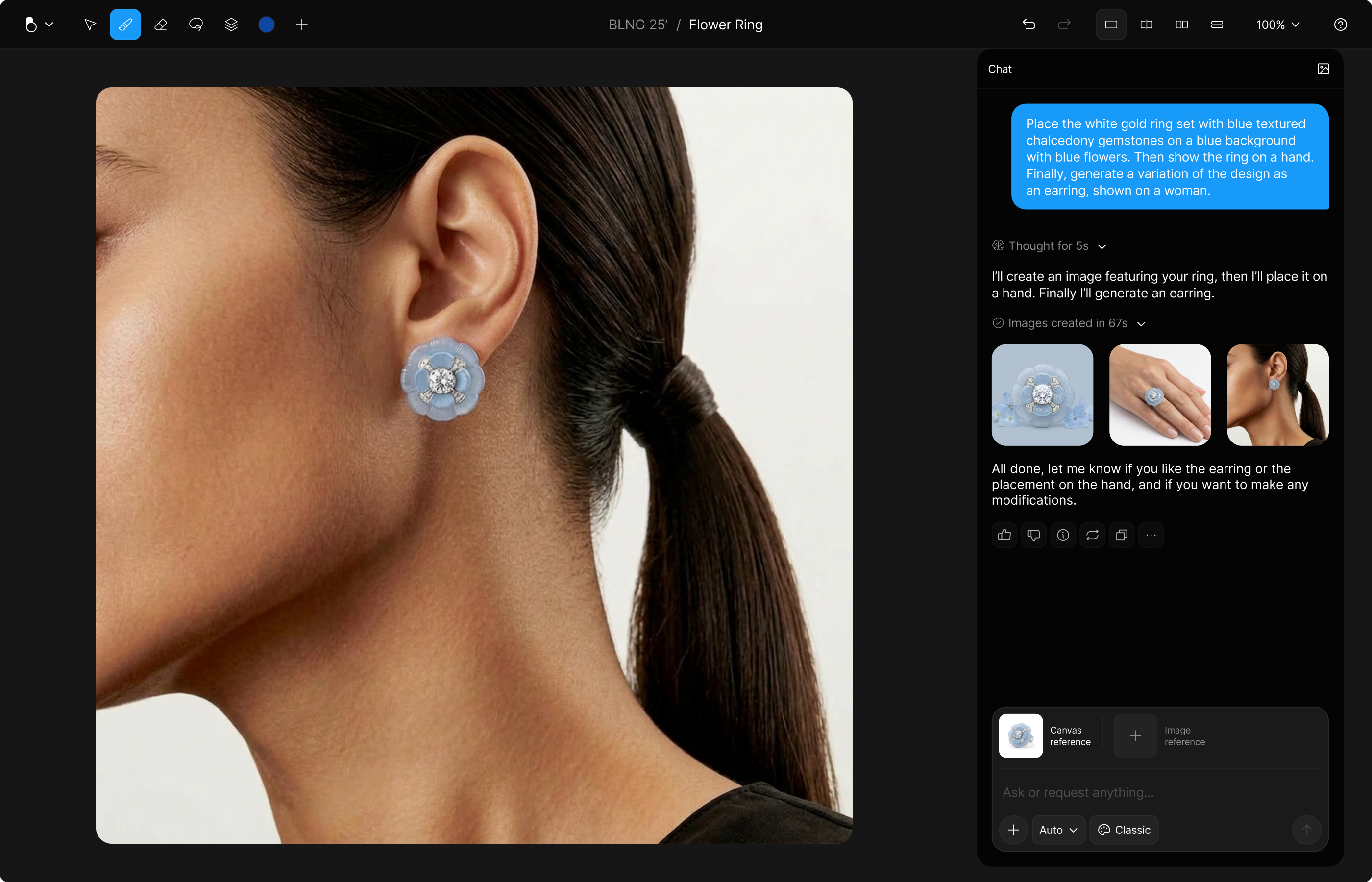
On-figure photography, editorial, lifestyle
Place your jewelry on the body, then explore different models, styling, crops, and settings for product, editorial, or lifestyle imagery.
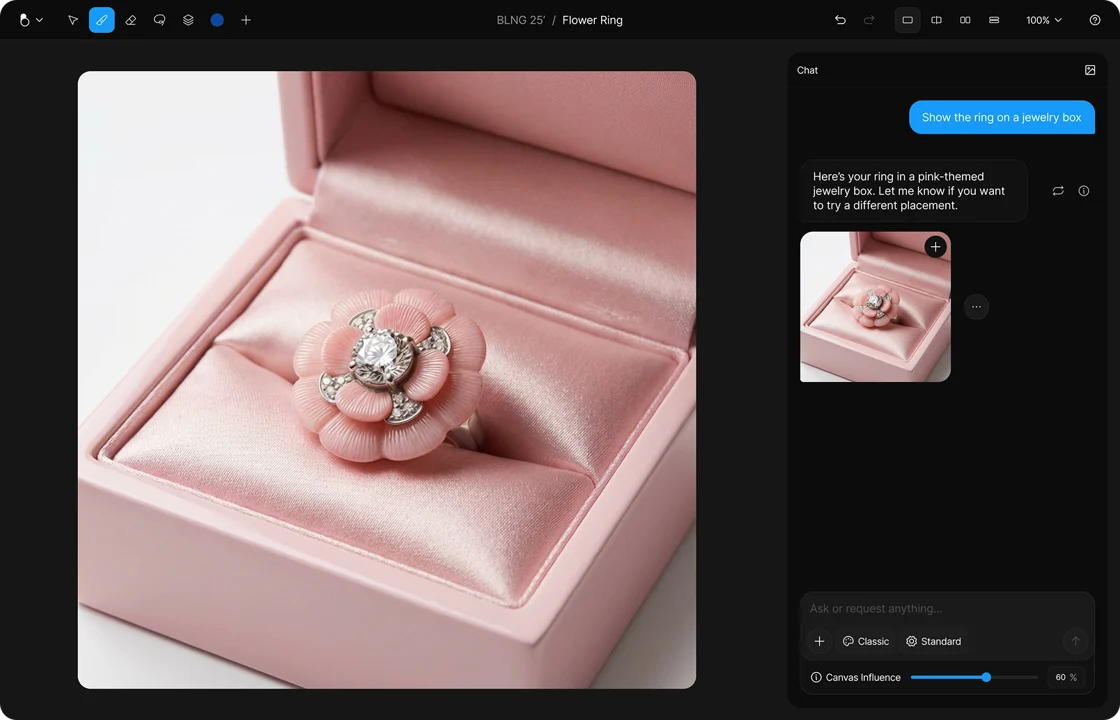
Present it inside a jewelry box
Create a polished, boxed presentation of your design by specifying the details and finishes.
Help Center
We are here to support you every step of the way and look forward to seeing the amazing designs you create with BLNG. Dive into the app and start exploring. Your feedback is invaluable to us, so please share your thoughts, report any issues, or suggest improvements to support@blng.ai.